


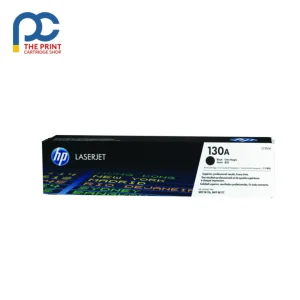
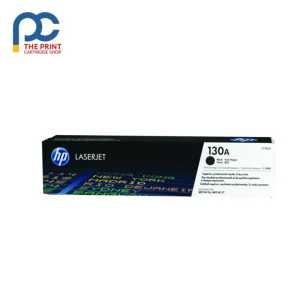
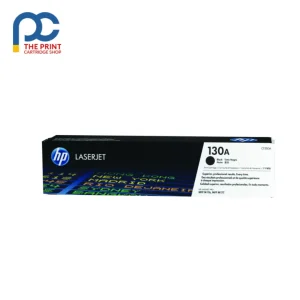
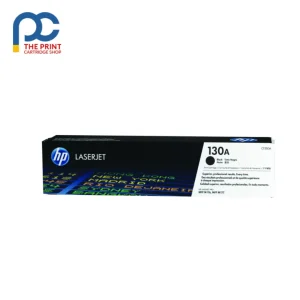
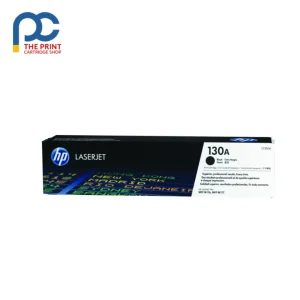
HP 130A 4 Pack is a pack of 4 genuine HP toner cartridges from The Print Cartridge Shop, dispatched fast to every Australian state.
This genuine HP 130A four pack holds one black, one cyan, one magenta and one yellow. It’s the easy choice when all four cartridges are low, or when you want a full spare set in reserve.
Key details
- HP cartridge number: 130A
- HP part number: CF350A-CF353A
- Colour: Black, Cyan, Magenta, Yellow
- Rated yield: Black approximately 1,300 pages per cartridge to ISO/IEC 19798
- Pack contents: 1 each Black, Cyan, Magenta, Yellow
- Genuine HP product
Suits the following printers
HP Color LaserJet Pro MFP M153, HP Color LaserJet Pro MFP M176, HP Color LaserJet Pro MFP M176n, HP Color LaserJet Pro MFP M177fw
Good to know
Is the HP 130A 4 Pack genuine?
Yes. The HP 130A 4 Pack is a genuine HP product and arrives new in its original packaging.
Do the cartridges in the 130A 4 pack differ from the singles?
No. They’re the same genuine HP 130A cartridges, simply bundled together as a full set.
How do I check 130A toner levels?
Use the printer’s control panel or print a supplies status report to see the level of each cartridge.
How to install the HP 130A 4 Pack
- Open the front or top cover and let the printer cool for a few minutes if it has just been printing.
- Remove the used cartridge. On printers with a separate drum unit, take out the drum and toner together, then push the lock lever and lift the toner cartridge out of the drum.
- Unpack the new cartridge and gently rock it side to side five or six times to spread the toner evenly. Remove any protective strip or cover.
- Slide the cartridge into place (or into the drum unit until it clicks), refit the assembly and close the cover.
Storage and handling
Store spare toner sealed in its bag, lying flat, at normal room temperature and away from humidity and direct sunlight. Do not touch the drum surface or the roller, as skin oils and scratches can show up as marks on your prints. Stored this way, an unopened HP 130A 4 Pack stays ready to use whenever you need it.
Getting the most from each cartridge
When the printer shows a low toner warning, taking the cartridge out and gently rocking it can often give extra pages before it needs replacing. Toner save mode is handy for drafts and internal copies. Used cartridges can be dropped at a Cartridges 4 Planet Ark collection point for free recycling.
Delivery, returns and support
Orders are packed within 1–2 business days and sent with tracking to every Australian state for a flat $19.99 delivery fee. Change your mind? Let us know within 30 days of delivery under our returns policy, and faulty items are covered by Australian Consumer Law. Not sure this is the right part for your machine? Send us your printer model and we will confirm before you order.


Reviews
There are no reviews yet