
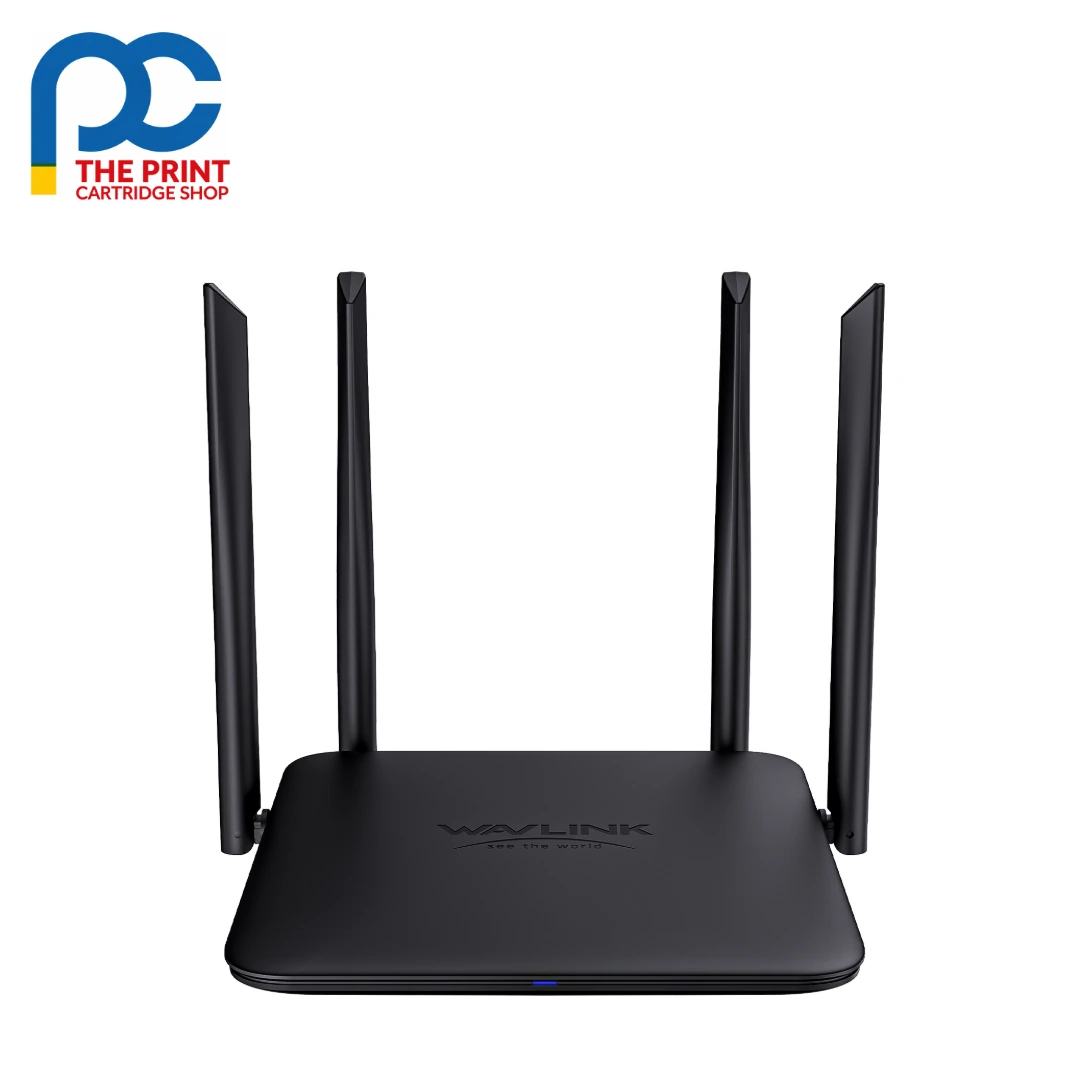
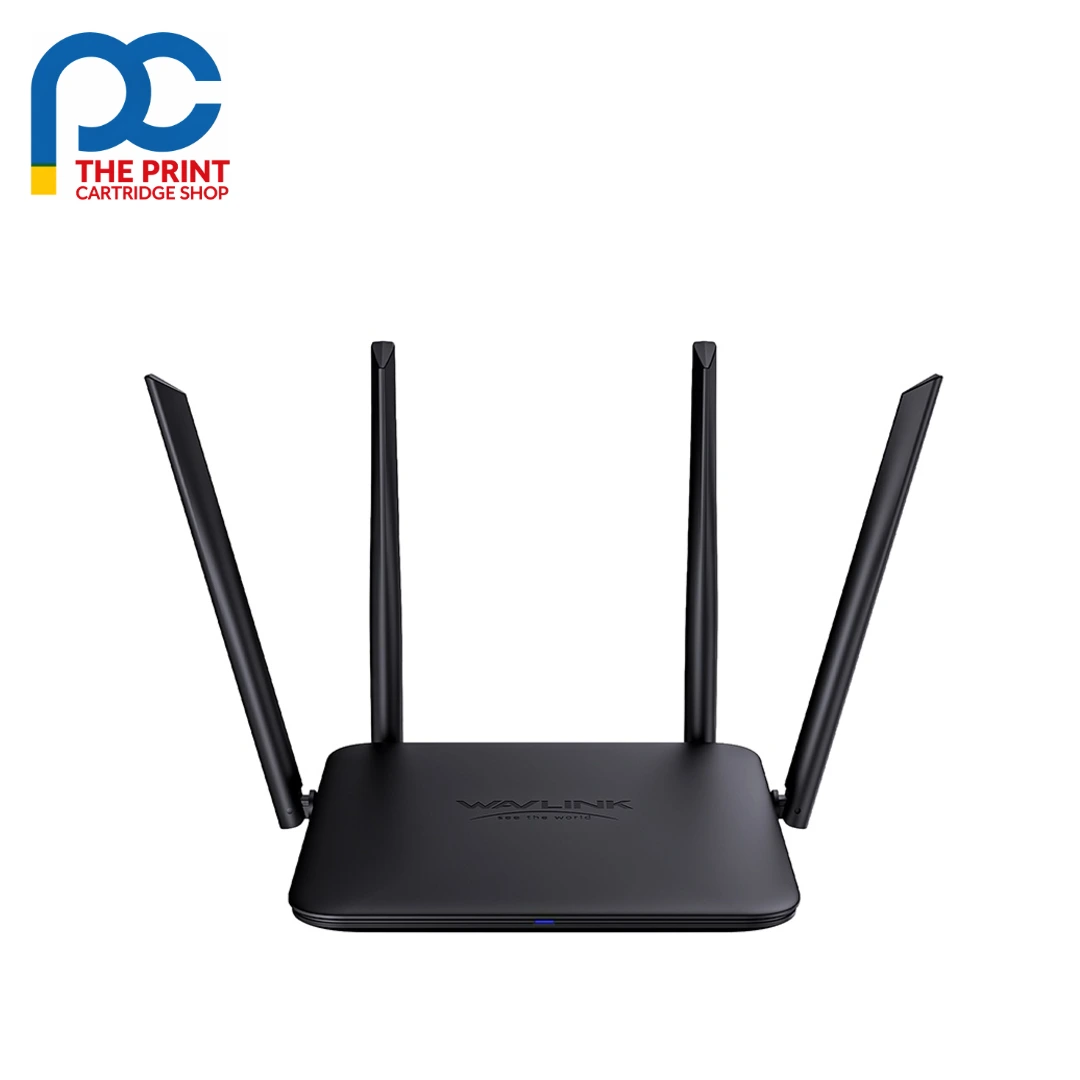
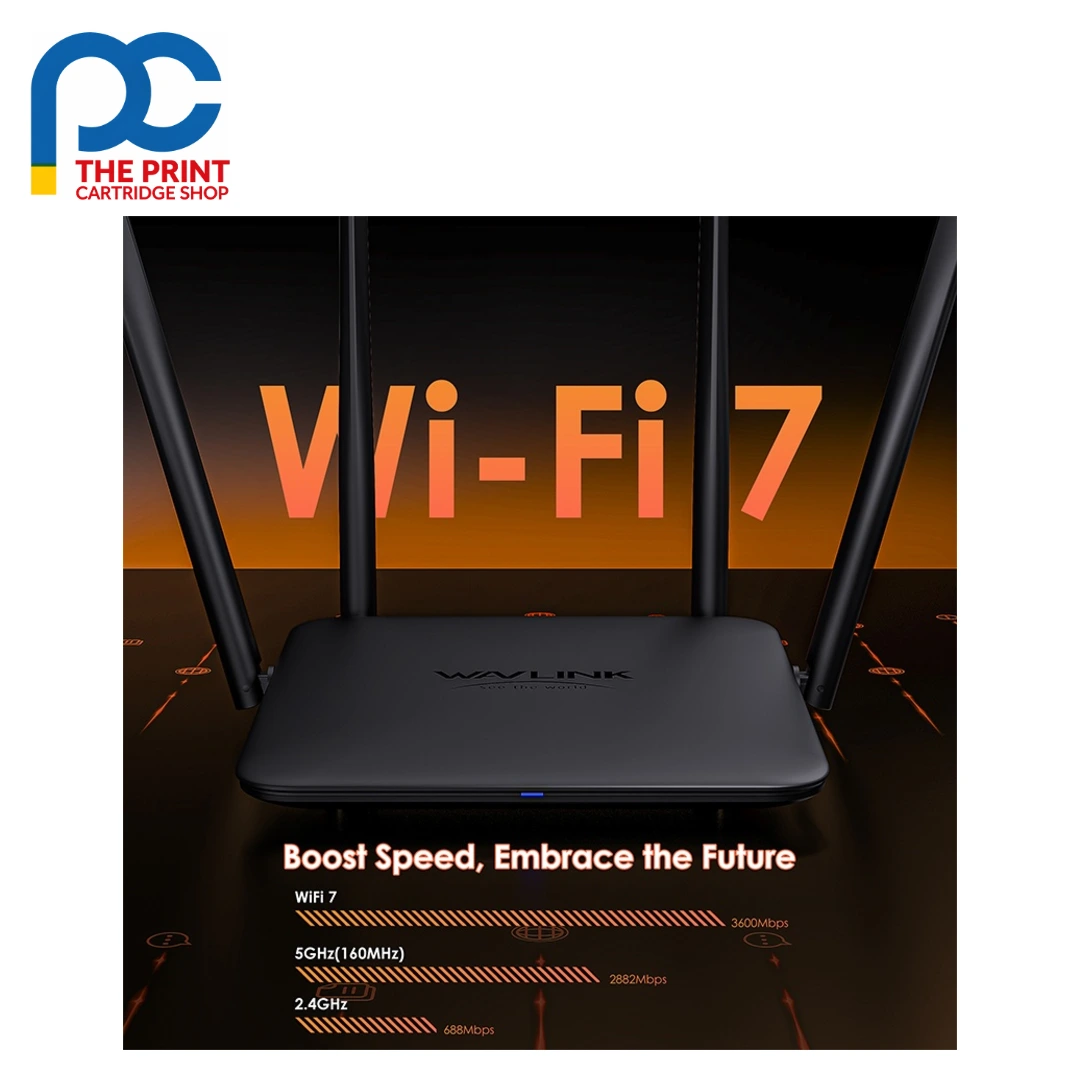
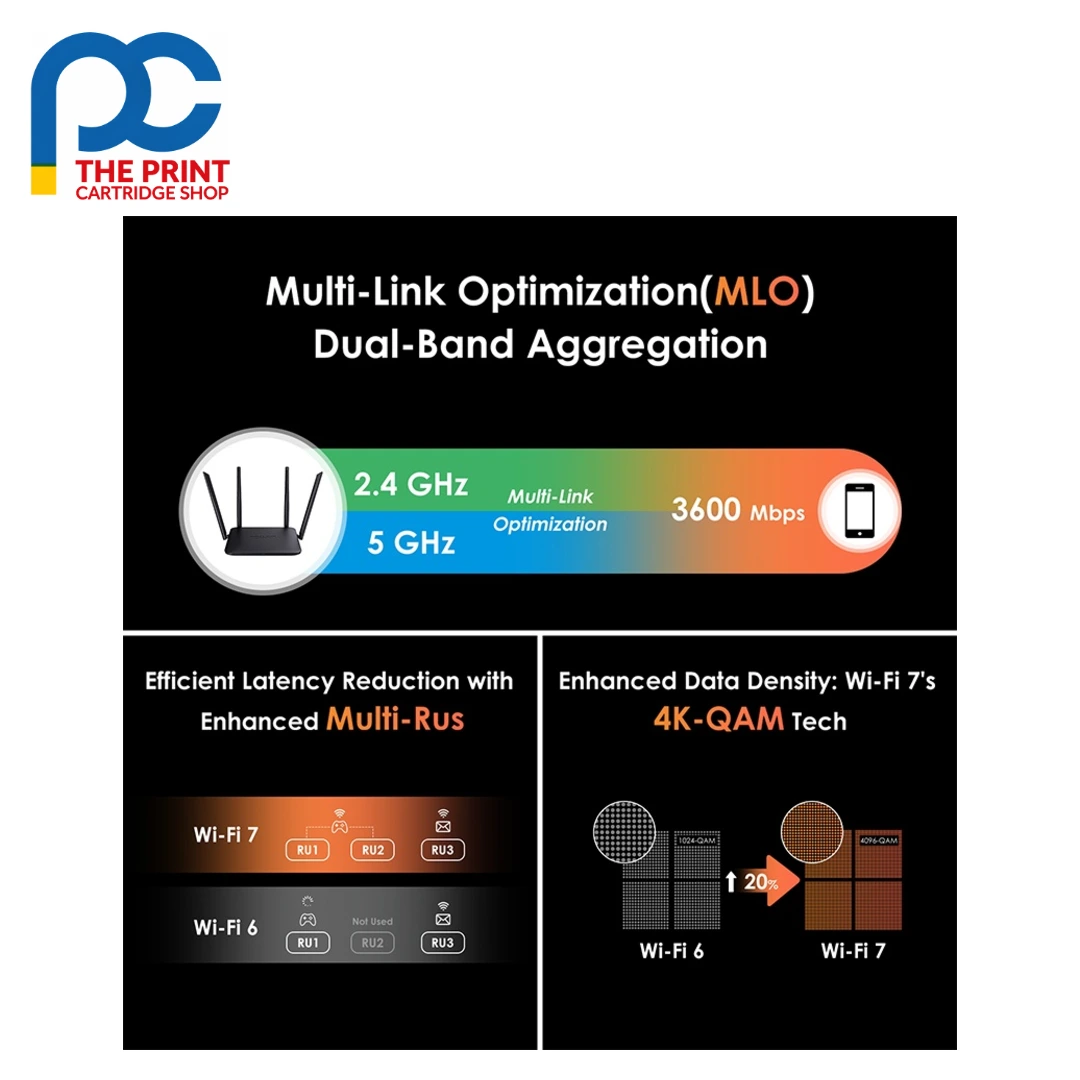


The Wavlink WN530BE1 is a BE3600 dual band Wi-Fi 7 router, sold as the Skyline Stream 4, that brings the latest wireless standard to home networks. It combines up to 688Mbps on 2.4GHz with up to 2882Mbps on 5GHz, uses Multi-Link Operation, 4096-QAM and 160MHz channels, and provides a Gigabit WAN port plus three Gigabit LAN ports for wired devices.
Older routers struggle when phones, laptops, TVs and consoles all compete for bandwidth. The Wavlink WN530BE1 uses Wi-Fi 7 features such as MLO dual-band aggregation, OFDMA and uplink/downlink MU-MIMO to share capacity more efficiently, while five 5dBi antennas with beamforming focus signal towards your devices. Wavlink rates it for coverage of about 1,700 sq ft and 32 or more devices, and Everything Mesh lets you add compatible Wavlink units later to remove dead zones under one network name.
Who is the Wavlink WN530BE1 for?
The Wavlink WN530BE1 is a good fit for apartments and small to medium homes upgrading to Wi-Fi 7, home offices, and gamers who want wired Gigabit ports beside the TV or console. In a typical setup you connect its WAN port to your NBN modem or ONT with the supplied Ethernet cable, then finish setup in the WavRouter app or by browsing to 192.168.20.1. From there you can name your network, create a guest WiFi, set parental controls and QoS, or switch it to AP or Repeater mode.
Wavlink WN530BE1 key features
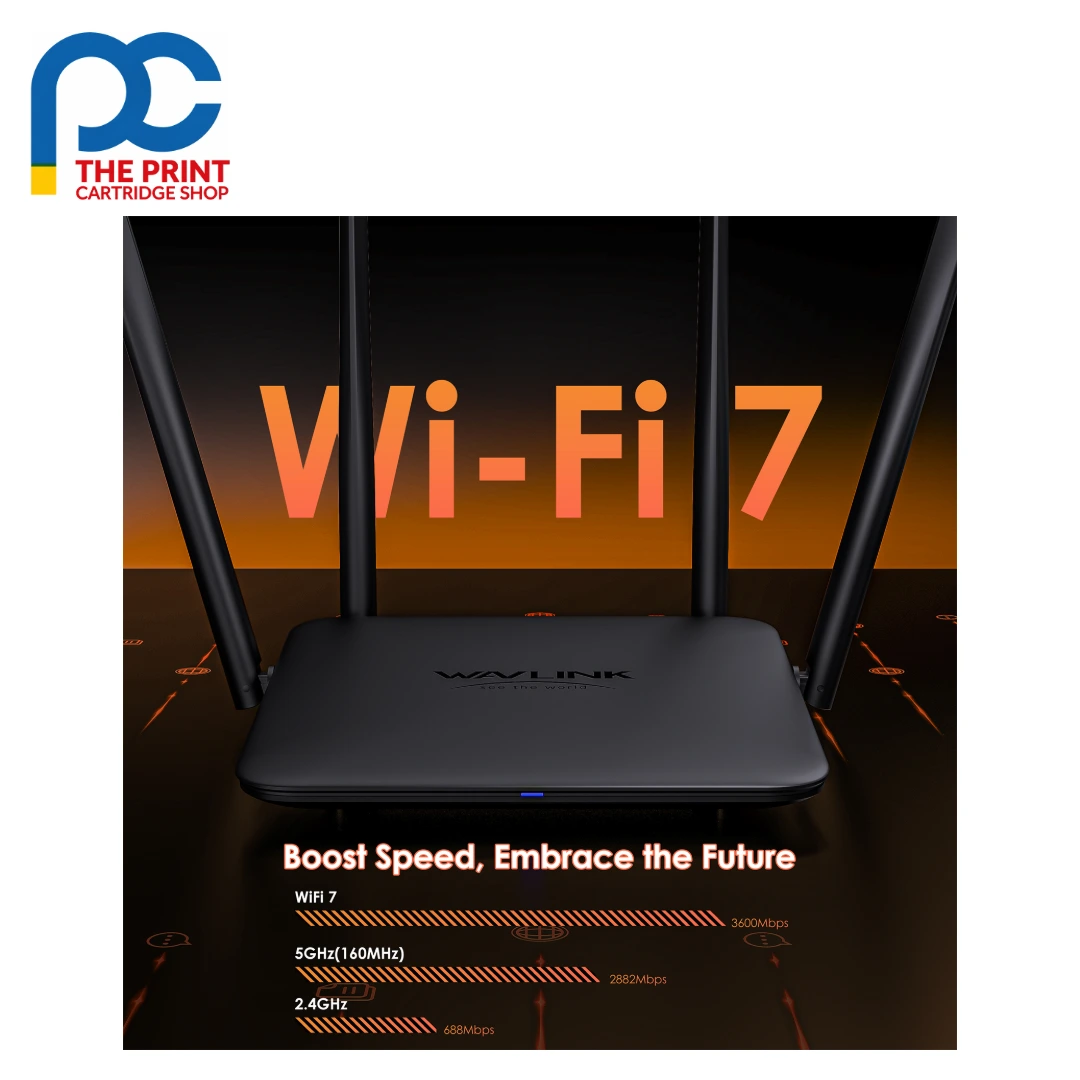
- BE3600 Wi-Fi 7 speeds: Dual band speeds of up to 688Mbps on 2.4GHz and 2882Mbps on 5GHz, with 4096-QAM modulation and 160MHz bandwidth for faster transfers to compatible Wi-Fi 7 devices.
- Multi-Link Operation: MLO dual-band aggregation combines the 2.4GHz and 5GHz bands to improve throughput and stability, helping keep video calls, streaming and gaming connections steady.
- Five 5dBi antennas with beamforming: Two 2.4GHz and three 5GHz omnidirectional 5dBi antennas, backed by beamforming, OFDMA and MU-MIMO, strengthen signal and share bandwidth efficiently across many devices.
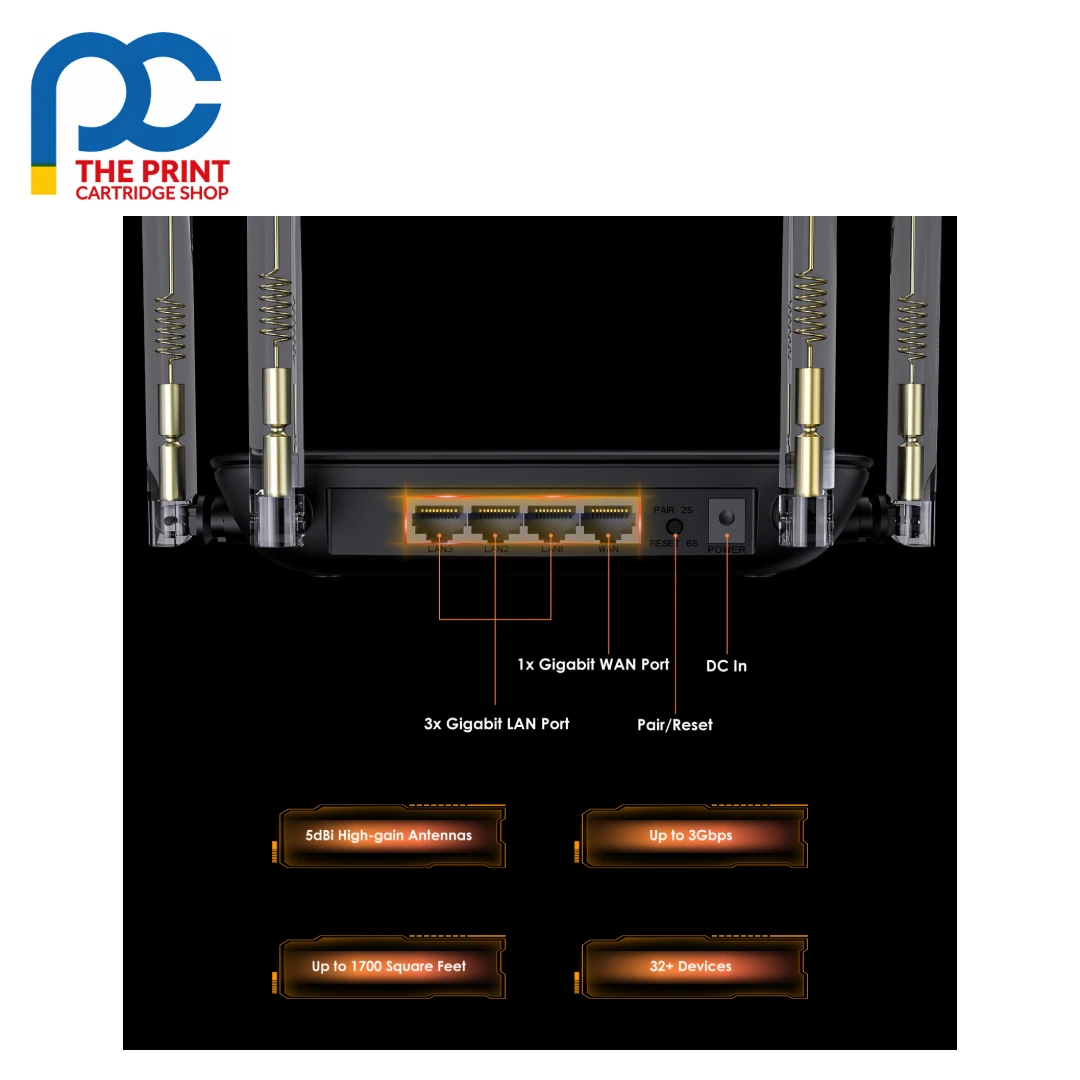
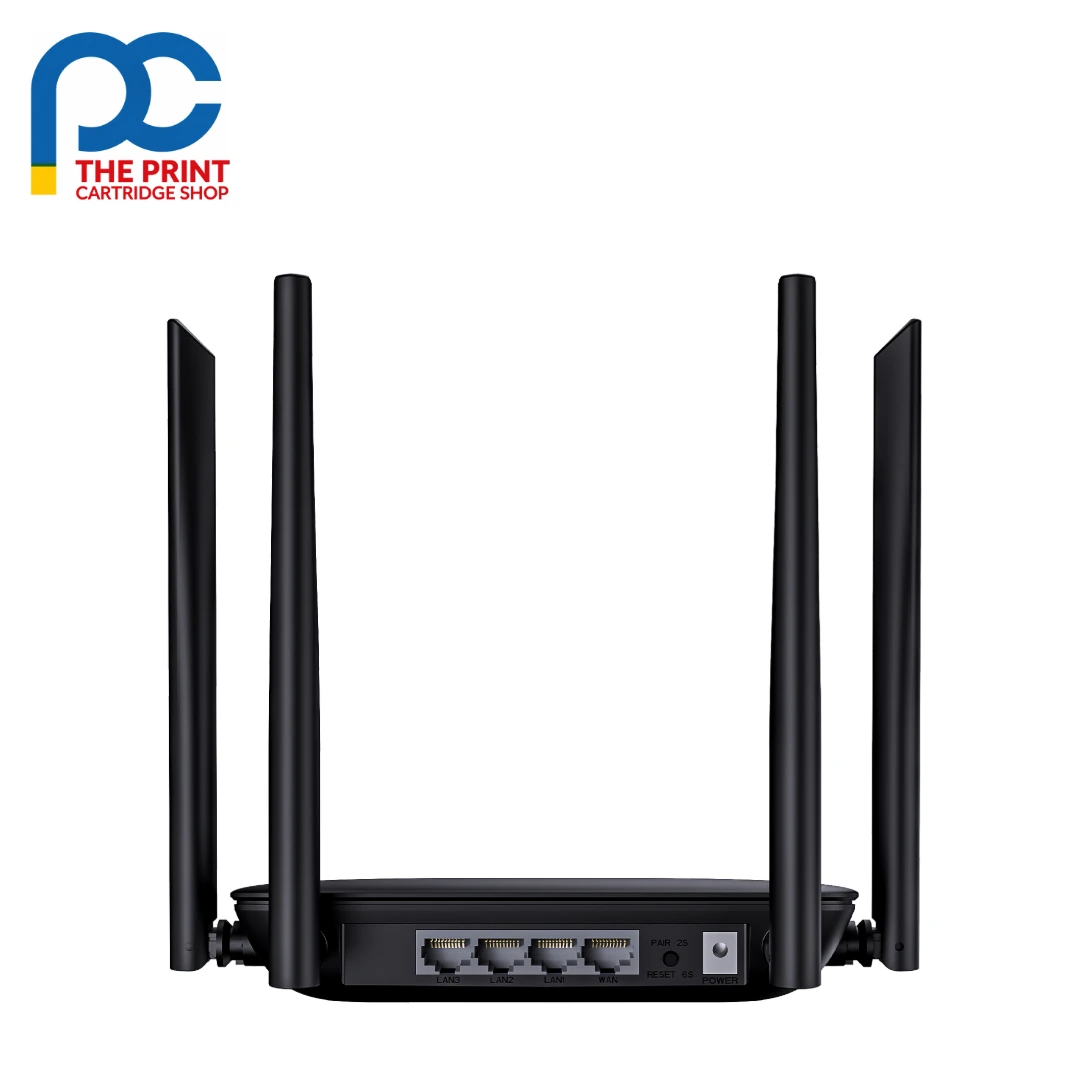
- Gigabit wired ports: One 10/100/1000Mbps WAN port connects to your modem, while three Gigabit LAN ports give wired speed to a desktop PC, smart TV, games console or network storage.
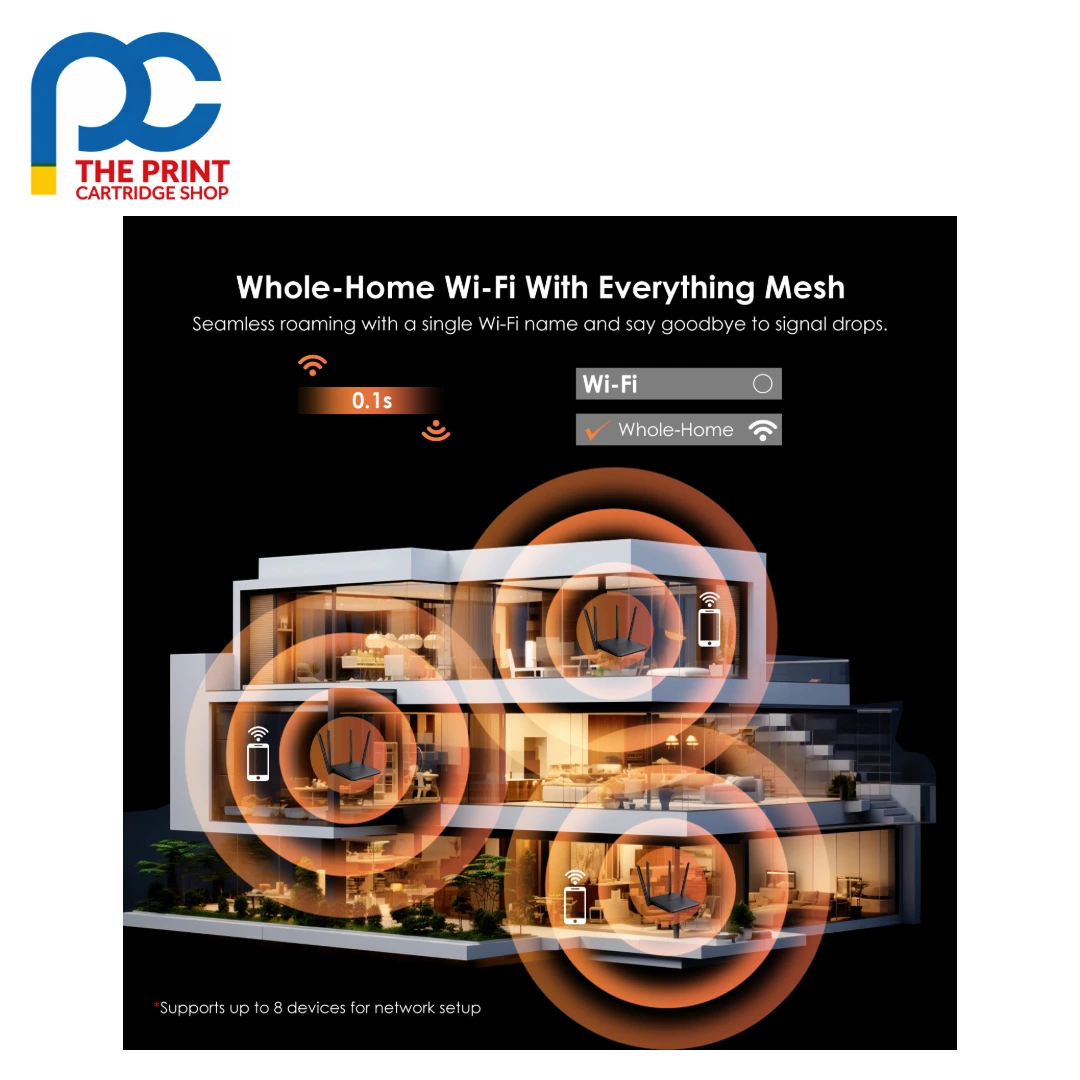
- Everything Mesh and multiple modes: Build a mesh with other Wavlink devices that support Everything Mesh for seamless roaming, or run the Wavlink WN530BE1 in Router, AP or Repeater mode.
- Easy app or web management: Set up and manage the router through the WavRouter app for iOS and Android or the web interface, with guest WiFi, parental controls, QoS, VLAN, website blocking and IPv6.
Wavlink WN530BE1 specifications
| Model | WL-WN530BE1 |
|---|---|
| Wireless standard | Wi-Fi 7, IEEE 802.11b/g/n/a/ac/ax/be |
| WiFi speed | 2.4GHz 688Mbps + 5GHz 2882Mbps (BE3600) |
| Wi-Fi technology | MLO, 4096-QAM, 160MHz, OFDMA, UL/DL MU-MIMO, beamforming |
| Ethernet ports | 1 x 10/100/1000Mbps WAN, 3 x 10/100/1000Mbps LAN |
| Antennas | 2 x 2.4GHz 5dBi + 3 x 5GHz 5dBi omnidirectional |
| Transmit power | 2.4GHz 23dBm max, 5GHz 23dBm max |
| Wireless security | WPA2-PSK, WPA/WPA2 mixed, WPA3-SAE/WPA2-PSK, WPA/WPA2-Enterprise |
| WAN type | PPPoE, Dynamic IP, Static IP |
| Management | WavRouter app, web interface at 192.168.20.1 |
| Memory | 128MB SPI-NAND flash, 512MB DDR3 RAM |
| Buttons / LED | 1 x Pair & Reset, 1 x SYS LED |
| Dimensions | 168 x 168 x 33 mm |
| Operating temperature | 0 to 40 °C |
Full technical details are available on the official Wavlink product page.
What’s in the box with the Wavlink WN530BE1
- 1 x Wavlink WN530BE1 BE3600 Wi-Fi 7 router
- 1 x Power adapter
- 1 x 1m CAT5E Ethernet cable
- 1 x Quick start guide
Wavlink WN530BE1 FAQs
Is the Wavlink WN530BE1 a modem?
No. It is a router and cannot act as a modem. Connect its Gigabit WAN port to your existing NBN modem, ONT or gateway with an Ethernet cable, then the router shares that internet connection over Wi-Fi 7 and its three LAN ports.
How do I set up the Wavlink WN530BE1?
Connect it to your modem and power it on, then use the WavRouter app on iOS or Android, or enter 192.168.20.1 in a web browser while connected to its WiFi. Wavlink quotes about three minutes to complete the basic setup.
Can it form a mesh with routers from other brands?
No. Its mesh feature only works with Wavlink devices that support Everything Mesh technology. With another brand of router you can still use it in AP mode over Ethernet or in Repeater mode to extend coverage.
How do I reset it if I forget the admin password?
With the router powered on, press and hold the Pair & Reset button for about six seconds. It returns to factory settings, and you can then set it up again with the WavRouter app or web interface.
Why buy the Wavlink WN530BE1 from The Print Cartridge Shop
We are an Australian online store, and every Wavlink WN530BE1 we sell is a genuine Wavlink product. Orders are packed within 1–2 business days and sent with tracking to every Australian state under our shipping policy. You can return a change-of-mind purchase within 30 days under our returns policy, and faulty items are covered by the Australian Consumer Law.
Browse more Wavlink modems and routers or see all products from the Wavlink brand. Not sure the Wavlink WN530BE1 suits your setup? Contact our team and we will help you check before you order.


Reviews
There are no reviews yet