



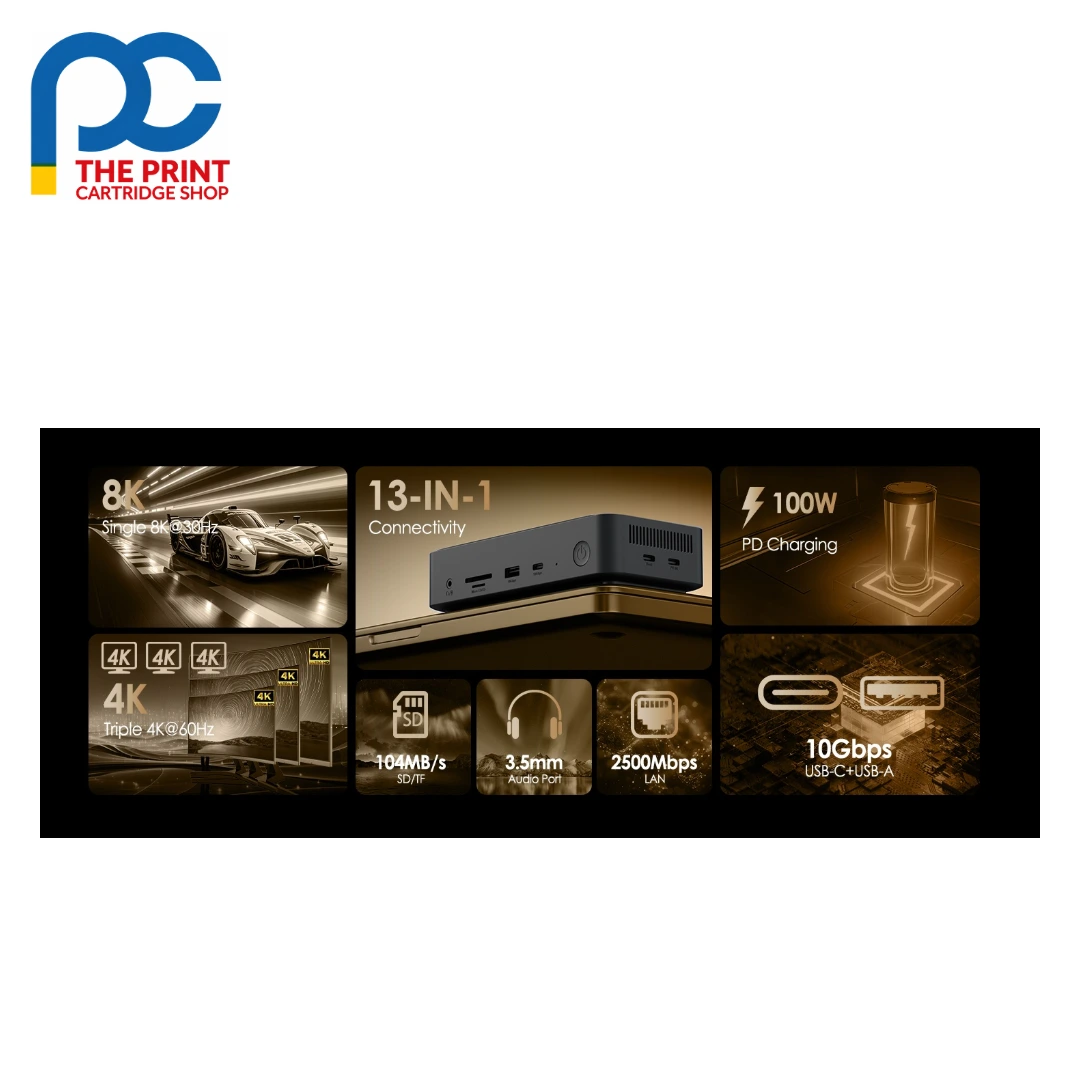
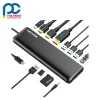
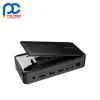


The Wavlink UMD23M Pro is a compact 13-in-1 USB-C docking station with a dual-protocol M.2 SSD enclosure for NVMe or SATA drives. Two HDMI ports and a DisplayPort support up to 8K@30Hz or 4K@144Hz, or three 4K screens on Windows. It adds a USB-C PD IN port for 100W laptop charging, 10Gbps USB-C and USB-A, two 5Gbps USB-A ports, 2.5G Ethernet, SD/TF readers and an audio/mic jack.

When you need more storage, more screens and a faster network, a stack of separate adapters and drives quickly becomes messy. The Wavlink UMD23M Pro puts it all in one aluminium alloy unit: slot in an M.2 SSD for backups or working files, run up to three displays, and connect to a 2500Mbps wired network that is well suited to moving large files to a NAS or server. An intelligent, temperature-controlled fan works with the metal shell to keep the dock and drive cool under heavy loads, and it is plug and play on Windows 10/11 and macOS.
Who is the Wavlink UMD23M Pro for?
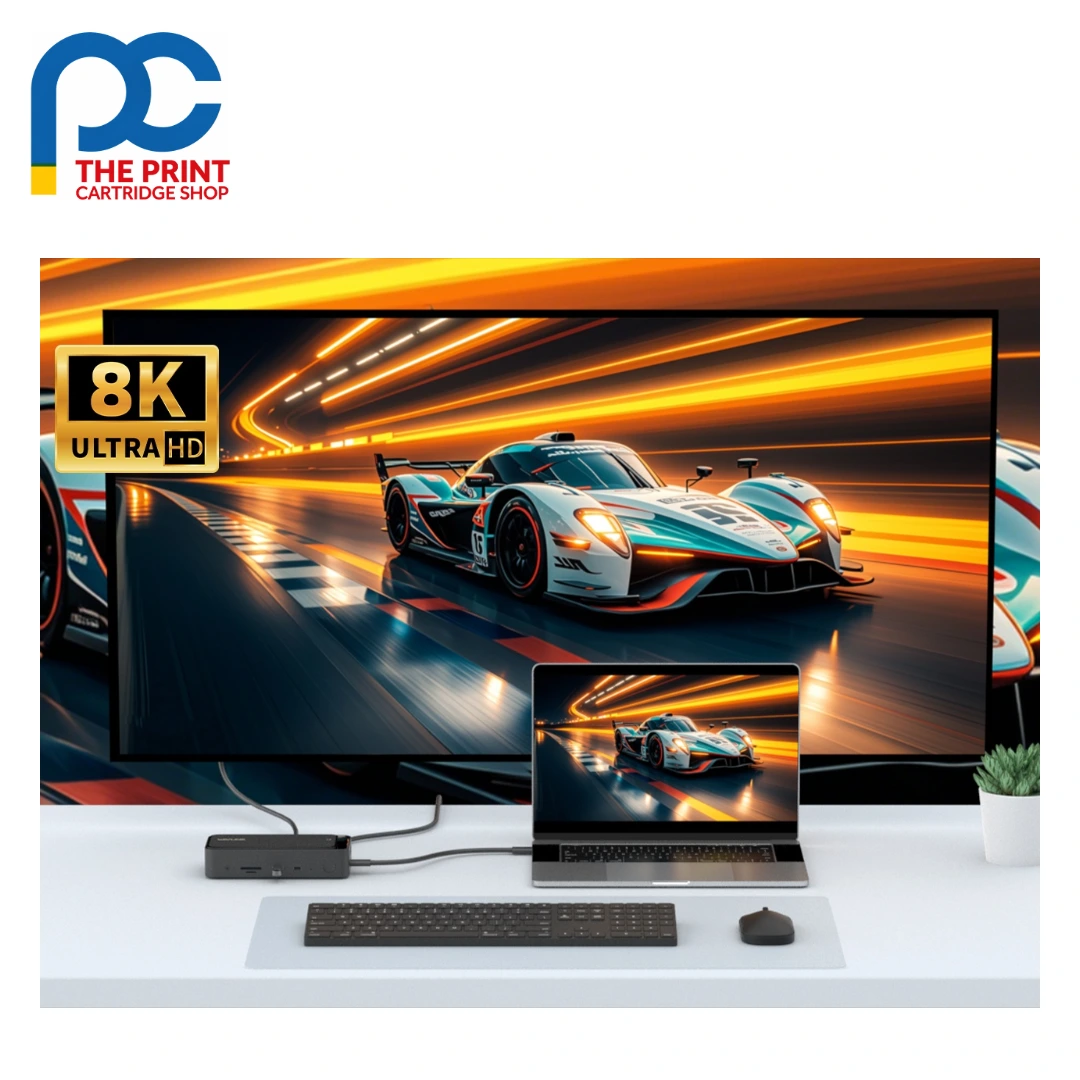
The Wavlink UMD23M Pro is ideal for creators, developers and analysts using a laptop with a Thunderbolt 3/4/5 or full-function USB-C port with DisplayPort Alt Mode and data transfer. A typical desk has an NVMe SSD in the enclosure, two 4K monitors on HDMI and a third on DisplayPort, an SD card from your camera in the reader and the 2.5G port linked to your switch. Keep the included 20V/2A adapter connected, and plug a PD charger into USB-C PD IN to charge your laptop at up to 100W. Its compact size also suits travel.
Wavlink UMD23M Pro key features
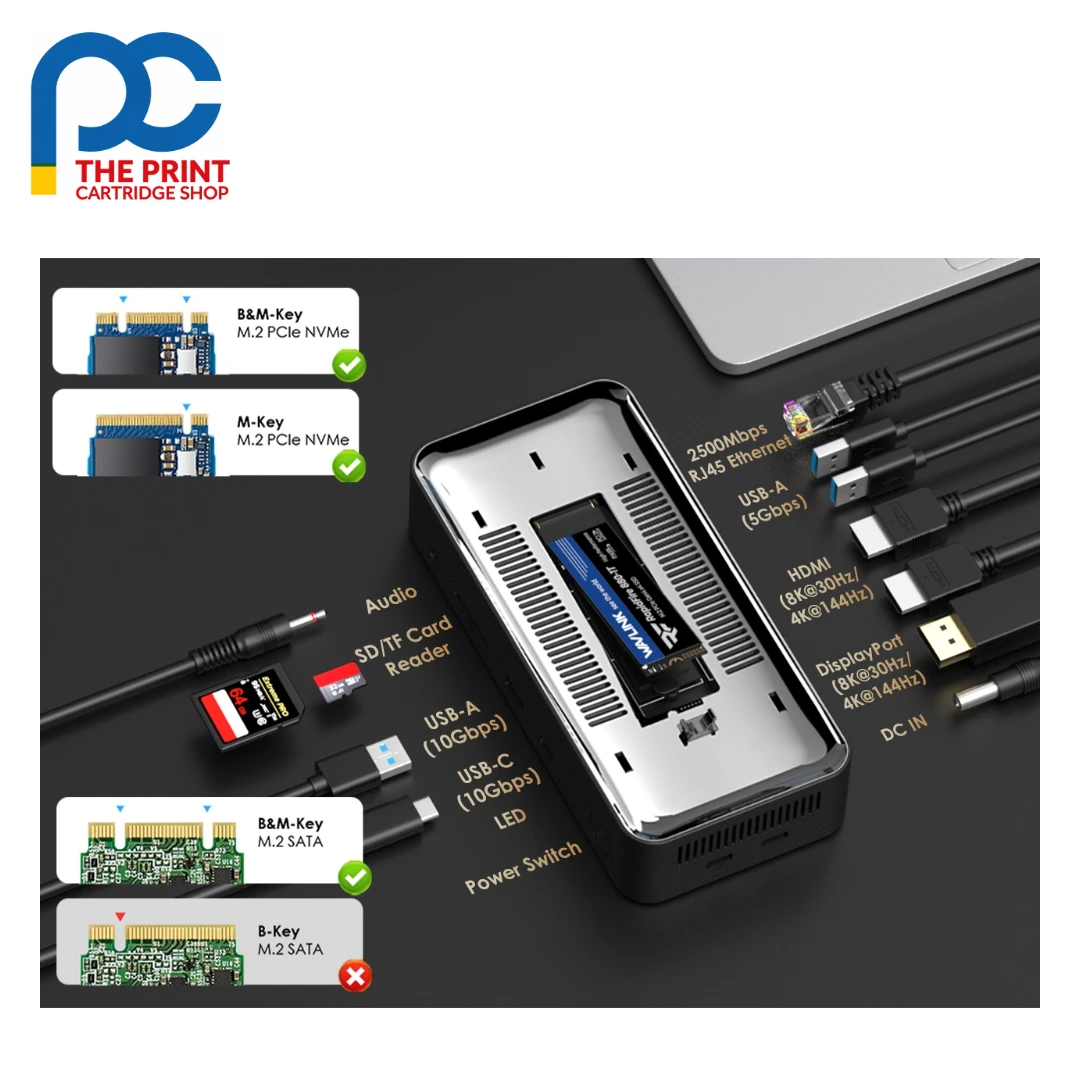
- Dual-protocol M.2 SSD enclosure: The built-in enclosure accepts M.2 NVMe or SATA SSDs, turning the dock into fast external storage for backups, project files and media libraries without needing a separate drive case.
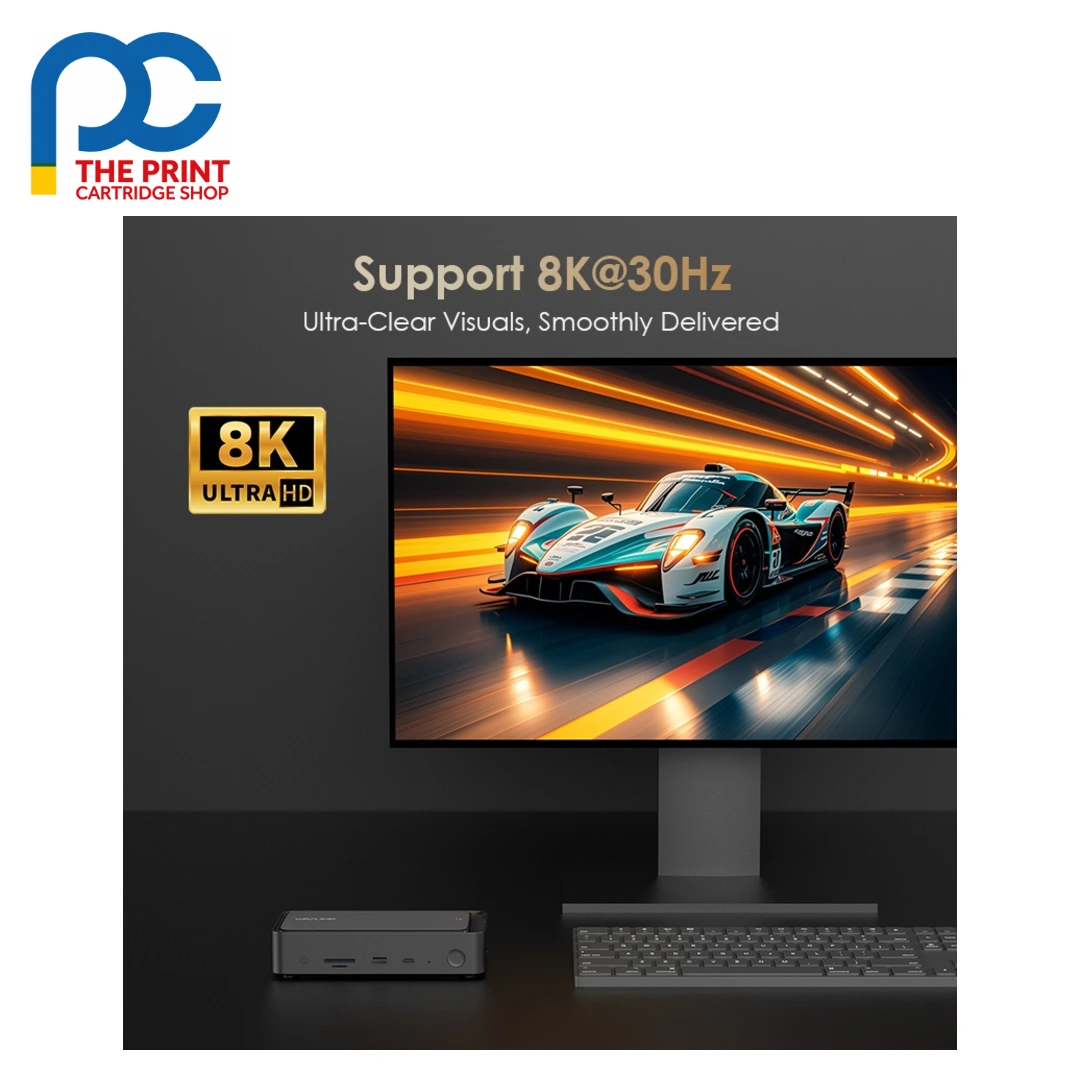
- 8K@30Hz or 4K@144Hz output: Two HDMI ports and one DisplayPort support a maximum of 8K@30Hz or 4K@144Hz, or three 4K displays on Windows. Achievable resolution depends on the DisplayPort version of your laptop's USB-C port.
- 100W laptop charging: Connect a PD charger to the USB-C PD IN port to charge your laptop at up to 100W through the host cable. Your laptop must support PD 3.0 to use the charging function.
- 10Gbps USB-C and USB-A: One USB-C and one USB-A port on the left side run at 10Gbps for fast drives and creative work, with two more 5Gbps USB-A ports for keyboards, mice and other accessories.
- 2.5G Ethernet: The RJ45 port supports 10M, 100M, 1000M and 2500Mbps, giving a quicker and more stable wired connection for large file transfers, cloud work and video meetings.
- Aluminium shell with smart fan: The Wavlink UMD23M Pro uses an aluminium alloy shell and a quiet temperature-controlled fan to manage heat, plus SD/TF readers, an audio/mic combo jack and a blue power LED.
Wavlink UMD23M Pro specifications
| Model | WL-UMD23M-Pro |
|---|---|
| Ports | 13-in-1 |
| Connection to host | USB-C to USB-C cable (with E-mark) |
| SSD enclosure | M.2, dual protocol NVMe/SATA |
| Video output | 2 x HDMI, 1 x DP; max 8K@30Hz or 4K@144Hz; triple 4K |
| Data ports | 1 x USB-C 10Gbps, 1 x USB-A 10Gbps, 2 x USB-A 5Gbps |
| Power input | 1 x USB-C PD IN (100W laptop charging); DC 20V/2A adapter included |
| Ethernet | 1 x RJ45, 10/100/1000/2500Mbps |
| Other ports | SD/TF card reader, audio/mic combo jack |
| LED | 1 x power LED (blue) |
| Cooling | Aluminium alloy shell, temperature-controlled fan |
| Plug & play | Windows 10/11 and macOS |
| Operating systems | Windows 10/11, macOS 11 or later (one extended display with different content) |
| Host requirements | Thunderbolt 3/4/5 or full-function USB-C with Video Alt Mode and data; PD 3.0 for charging |
Full technical details are available on the official Wavlink product page.
What’s in the box with the Wavlink UMD23M Pro
- 1 x Wavlink UMD23M Pro USB-C docking station
- 1 x USB-C to USB-C cable (with E-mark)
- 1 x DC 20V/2A power adapter
- 1 x Quick start guide
Wavlink UMD23M Pro FAQs
Does the Wavlink UMD23M Pro need drivers?
No. It is driver-free and plug and play on Windows 10/11 and macOS. Your laptop needs a Thunderbolt 3/4/5 or full-function USB-C port with DisplayPort Alt Mode and data transfer. A USB-C to USB-A adapter will not work.
Why do all my monitors show the same picture on a Mac?
The dock uses MST to run separate screens, and macOS does not support MST. On macOS 11 or later you can extend only one display with different content, and other connected monitors mirror it. Windows supports separate content on each screen.
How do I charge my laptop with the Wavlink UMD23M Pro?
Connect a PD charger to the USB-C PD IN port and the dock passes up to 100W to your laptop. Your laptop must support PD 3.0. If it shows slow charging, try a different adapter or another USB-C port on the laptop.
Why do only two of my three monitors work?
Running three external monitors plus the laptop screen needs a GPU that supports four displays at once, which not all laptops have. Maximum resolution also depends on the DP version of your laptop's USB-C port, so check with your laptop maker if unsure.
Why buy the Wavlink UMD23M Pro from The Print Cartridge Shop
We are an Australian online store, and every Wavlink UMD23M Pro we sell is a genuine Wavlink product. Orders are packed within 1–2 business days and sent with tracking to every Australian state under our shipping policy. You can return a change-of-mind purchase within 30 days under our returns policy, and faulty items are covered by the Australian Consumer Law.
Browse more Wavlink docking stations and adapters or see all products from the Wavlink brand. Not sure the Wavlink UMD23M Pro suits your setup? Contact our team and we will help you check before you order.


Reviews
There are no reviews yet