
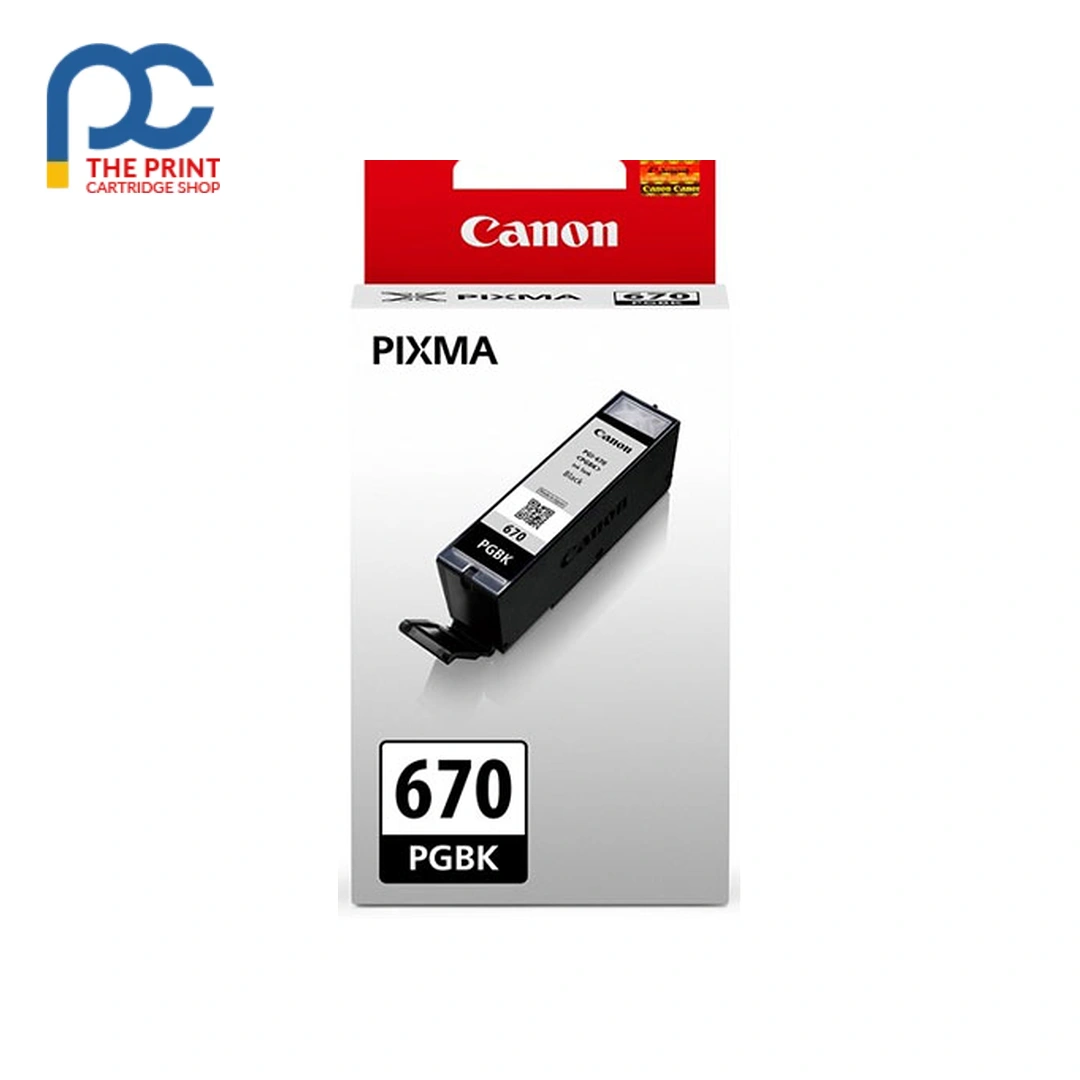


Canon PGI670BK Black Ink from The Print Cartridge Shop, dispatched fast to every Australian state.
Running low on black? The Canon PGI670BK cartridge is the direct replacement, with a rated yield of 300 pages. As a single-colour cartridge, it lets you replace only the black when it runs out instead of a whole set. Match the part code on your existing cartridge and you’re ready to go.
Key details
- Brand: Canon
- Part code: PGI670BK
- Colour: Black
- Type: Ink cartridge
- Rated yield: 300 pages
Suits the following printers
Canon MG7765, Canon MG5766, Canon MG7766, Canon PIXMA TS9060, Canon PIXMA TS8060, Canon PIXMA TS6060, Canon PIXMA TS5060, Canon MG7760, Canon MG6866, Canon MG6865, Canon MG6860, Canon MG5765, Canon MG5760
If you print often, keeping a spare Canon PGI670BK Black Ink on hand saves downtime when the current one runs low.
Order the Canon PGI670BK Black Ink online and we will pack it carefully for delivery to your door.
Every Canon PGI670BK Black Ink we sell is checked against its listing details before it ships.
Add the Canon PGI670BK Black Ink to your cart today and it will be on its way within one to two business days.
Good to know
How do I know this is the right cartridge?
Look at the code on the cartridge you’re replacing or in your printer’s manual. If it reads PGI670BK, this is the one you need.
How many pages will I actually get?
The 300-page figure is a rating under standard test conditions. Photos and heavy coverage use ink faster, so real-world output varies.
How to install the Canon PGI670BK Black Ink
- Turn the printer on and open the ink access cover so the cartridge holder moves to the replacement position.
- Press the release tab on the empty cartridge and lift it out.
- Unpack the new cartridge and remove the protective tape or cap. Avoid touching the copper contacts and the ink outlet.
- Push it into the slot that matches its colour until it clicks into place, then close the cover.
- Let the printer finish its start-up cycle (on the Canon MG7765 this takes a minute or two) and run a print head alignment if the printer asks for one.
Storage and handling
Store unopened cartridges flat or upright in a cool, dry cupboard away from heaters and windows, and use them before the date on the pack. Do not leave the printer without cartridges fitted for long periods, because the print head can dry out.
Getting the most from each cartridge
Regular light use keeps ink flowing, so a weekly test print helps if the printer sits idle. Choose plain-paper or draft mode for internal documents and save best quality for photos and client work. When you are finished, drop the empty cartridge at a Cartridges 4 Planet Ark collection point.
Delivery, returns and support
Orders are packed within 1–2 business days and sent with tracking to every Australian state for a flat $19.99 delivery fee. Change your mind? Let us know within 30 days of delivery under our returns policy, and faulty items are covered by Australian Consumer Law. Not sure this is the right part for your machine? Send us your printer model and we will confirm before you order.




Reviews
There are no reviews yet