

![Genuine Canon Staple Cartridge D3 0250A013 [AB] for Variety of Machines on a white background](https://theprintcartridgeshop.com.au/wp-content/uploads/2026/09/genuine-canon-staple-cartridge-d3-0250a013-ab-for-variety-of-machines-15785-featured-100x100.webp)


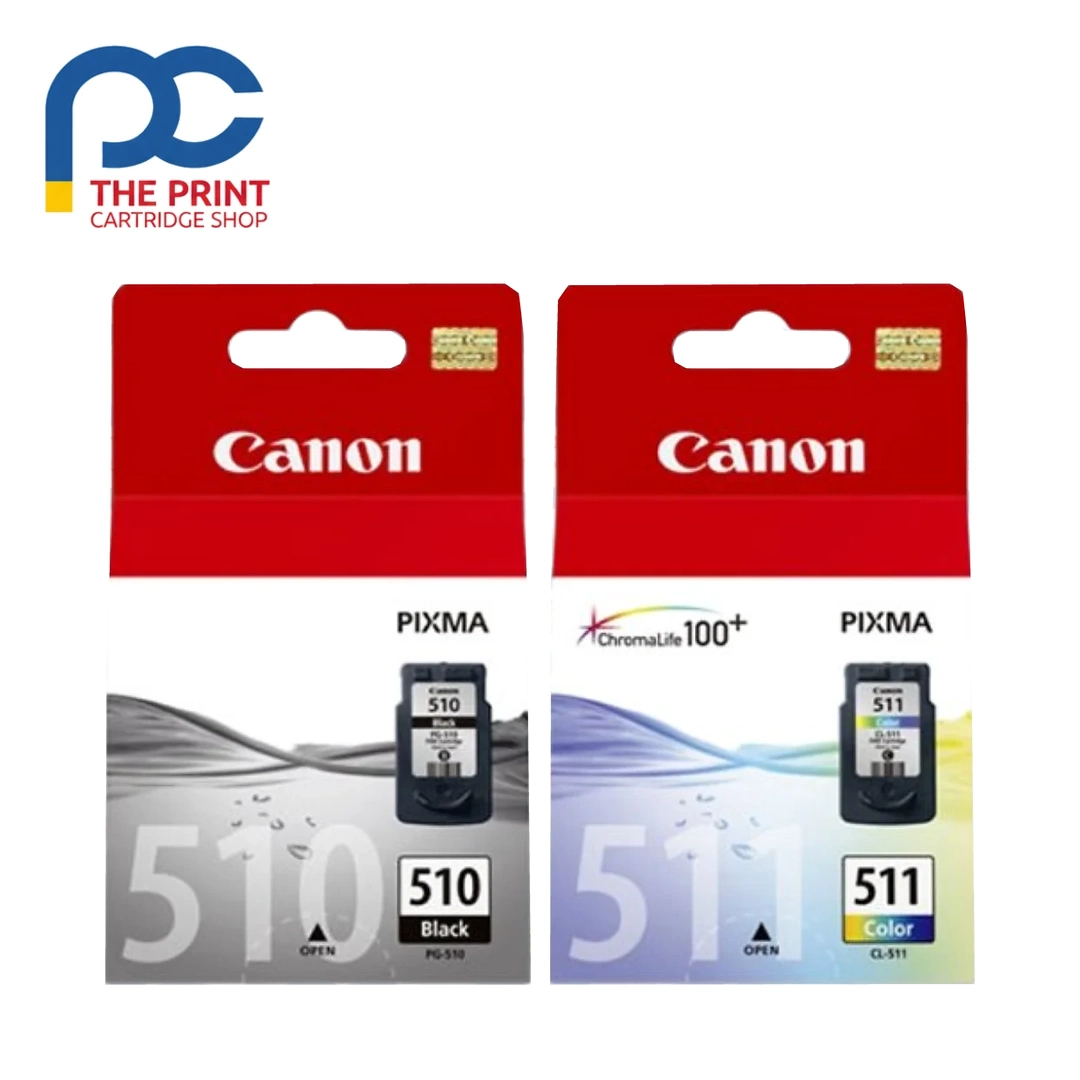
Canon PG510 + CL511 Twin Pack from The Print Cartridge Shop, dispatched fast to every Australian state.
This genuine Canon twin pack pairs the PG510 black and CL511 tri-colour cartridges for PIXMA MP and MX printers. The PG510 prints dense black text while the CL511 blends cyan, magenta and yellow for photos and graphics. Buying both together is a simple, cost-effective refill.
Key details
- Brand: Canon
- Pack: twin pack
- Black: PG510
- Colour: CL511 tri-colour
- Condition: genuine Canon
- Suits documents, photos and school projects
Suits the following printers
Canon MP282, MP280, MP260, MP495, MX420, MX410
Add the Canon PG510 + CL511 Twin Pack to your cart today and it will be on its way within one to two business days.
If you print often, keeping a spare Canon PG510 + CL511 Twin Pack on hand saves downtime when the current one runs low.
Order the Canon PG510 + CL511 Twin Pack online and we will pack it carefully for delivery to your door.
Every Canon PG510 + CL511 Twin Pack we sell is checked against its listing details before it ships.
Good to know
What is in the twin pack?
One PG510 black cartridge and one CL511 tri-colour cartridge. Each cartridge is engineered to work with the printer’s hardware and software.
Which printers take PG510 and CL511?
Canon MP282, MP280, MP260, MP495, MX420 and MX410. The pair covers text-heavy documents, photos, flyers and creative projects, with smooth gradations and minimal smearing.
How to install the Canon PG510 + CL511 Twin Pack
- Turn the printer on and open the ink access cover so the cartridge holder moves to the replacement position.
- Press the release tab on the empty cartridge and lift it out.
- Unpack the new cartridge and remove the protective tape or cap. Avoid touching the copper contacts and the ink outlet.
- Push it into the slot that matches its colour until it clicks into place, then close the cover.
- Let the printer finish its start-up cycle (on the Canon MP282 this takes a minute or two) and run a print head alignment if the printer asks for one.
Storage and handling
Keep spare cartridges sealed in their original pack, at room temperature and out of direct sunlight, and install them before the date printed on the box. Once a cartridge is installed, leave it in the printer rather than taking it out and putting it back, as this can let air into the ink path.
Getting the most from each cartridge
Print at least a page or two each week to keep the nozzles clear. If you see faint lines or missing colour, run the printer’s nozzle check and one cleaning cycle rather than several in a row, since each clean uses ink. Draft or standard quality is plenty for everyday documents and stretches each cartridge further.
Delivery, returns and support
Orders are packed within 1–2 business days and sent with tracking to every Australian state for a flat $19.99 delivery fee. Change your mind? Let us know within 30 days of delivery under our returns policy, and faulty items are covered by Australian Consumer Law. Not sure this is the right part for your machine? Send us your printer model and we will confirm before you order.


Reviews
There are no reviews yet