


The Canon PFI-3300 Red Ink is the larger 330 ml LUCIA PRO II red tank made by Canon for the imagePROGRAF PRO-2600, PRO-4600 and PRO-6600. The red channel widens the gamut in warm, saturated colours such as signage reds, florals and autumn scenes.
This larger size suits print businesses that regularly reproduce bold reds for clients. Made by Canon for these printers, the Canon PFI-3300 Red Ink fits exactly like the smaller tank and holds roughly twice the ink, while the PFI-3100 160 ml version remains available for lighter workloads.

Table of Contents
Why choose the genuine Canon PFI-3300 Red Ink?
What sets apart a genuine Canon PFI-3300 over a third-party cartridge:
- Accurate, consistent colour. Genuine Canon inks are formulated for imagePROGRAF colour profiles and print heads.
- Long-lasting prints. Canon’s inks are designed for durable output on the media your printer supports.
- Protects the print head. Filtered Canon ink helps prevent nozzle clogs on expensive print heads.
- Reliable ink tracking. The printer reads genuine tanks accurately, so you know when to reorder.
It suits photographers and print businesses reproducing strong reds using an imagePROGRAF PRO-2600, PRO-4600 or PRO-6600 and wanting fewer tank changes on long jobs.
Canon PFI-3300 Red Ink compatible printers
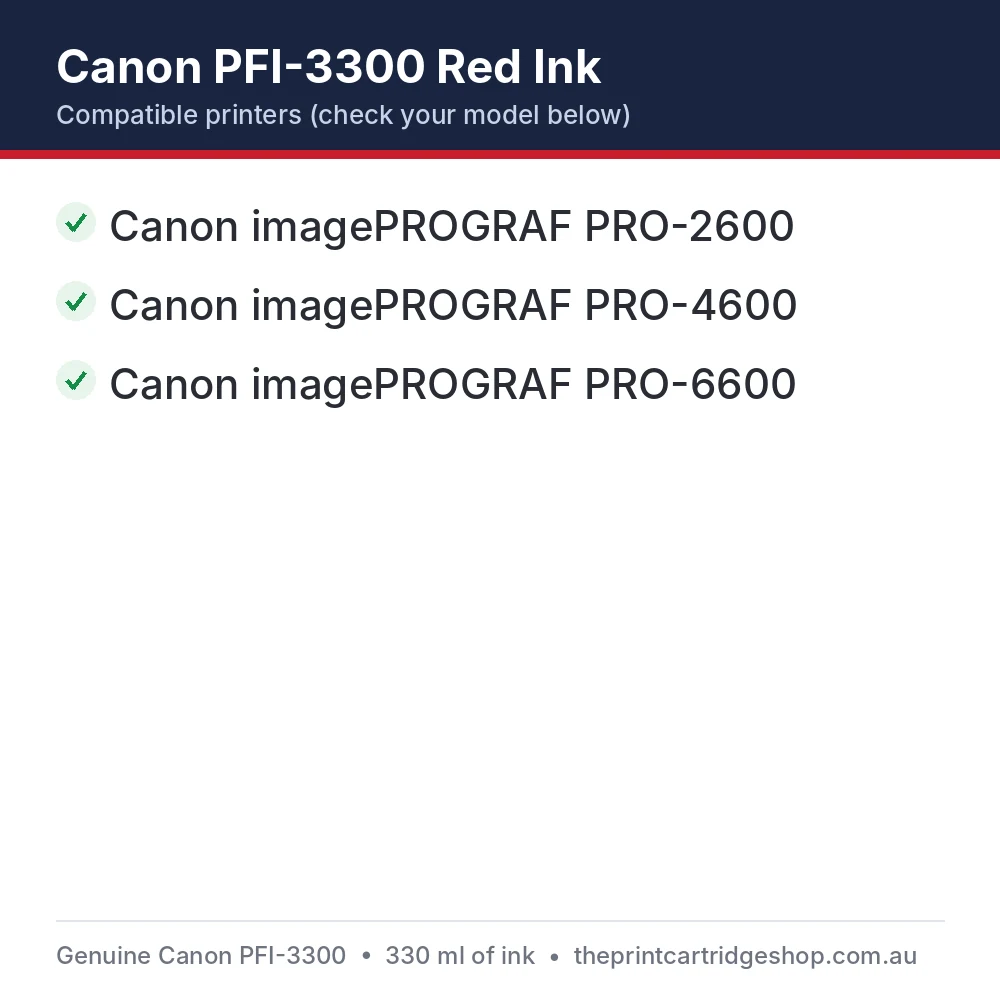
The Canon PFI-3300 Red Ink is made for the following Canon machines. Check the model name on the front or top of your printer and make sure it appears in this list before ordering:
- Canon imagePROGRAF PRO-2600
- Canon imagePROGRAF PRO-4600
- Canon imagePROGRAF PRO-6600
Not sure which model you have? Our Canon Cartridge Finder Australia matches the right ink to your printer, and this guide explains how to find the correct cartridge number on your old cartridge.
Pair it with matching PFI-3300 tanks such as Magenta, Yellow and Grey to keep every channel topped up. Not sure which part your printer takes? Send us your exact printer model through our contact page and we will confirm the right genuine Canon consumable before you place your order.
Canon PFI-3300 Red Ink specifications
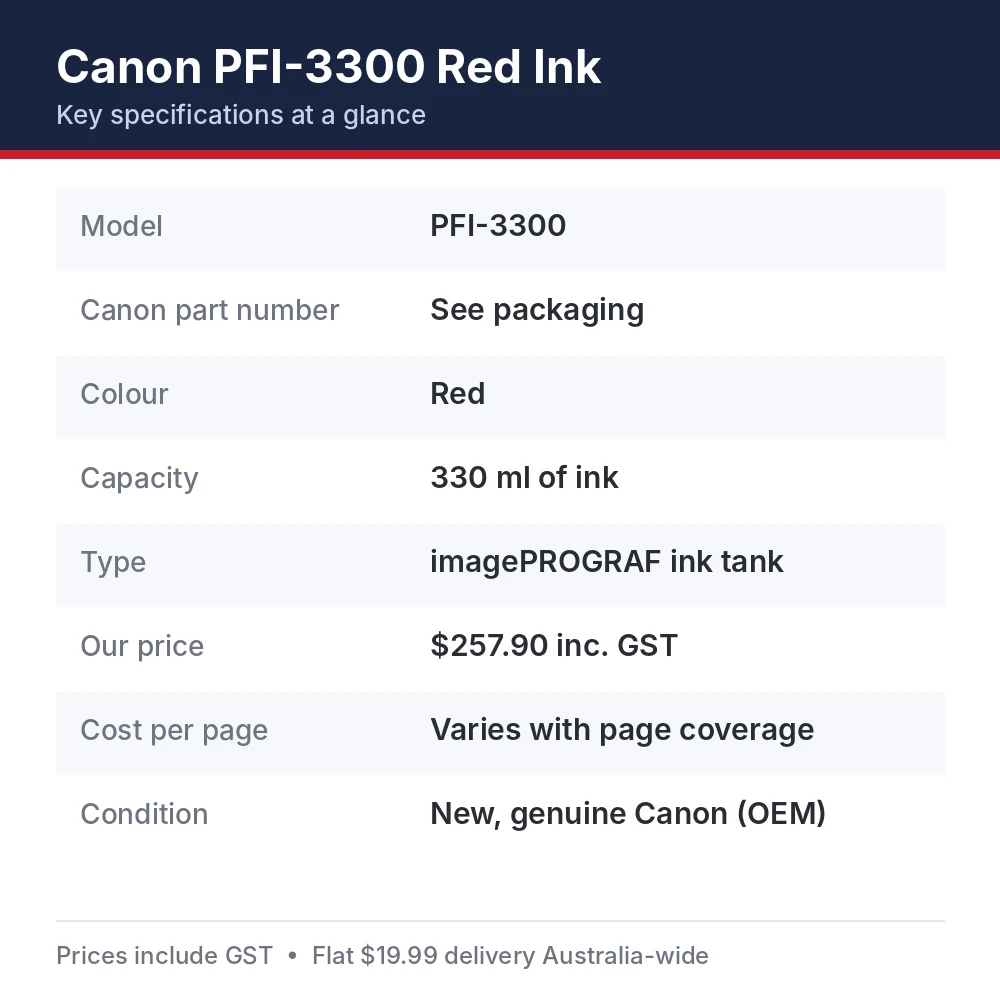
| Brand | Canon (genuine OEM) |
|---|---|
| Model | PFI-3300 |
| Colour | Red |
| Page yield | 330 ml of ink |
| Cartridge type | imagePROGRAF ink tank |
| Quantity | 1 cartridge |
| Condition | Brand new, sealed in Canon retail packaging |
What’s in the box
One genuine Canon PFI-3300 Red Ink in sealed Canon packaging, with Canon’s installation instructions.
Before you order: a quick checklist
- Confirm your printer model appears in the compatibility list above.
- Check the code on your current cartridge reads PFI-3300.
- Check the ink colour and capacity your printer uses before ordering.
- Think about ordering a spare so you’re never caught out mid-job.
Page yield and cost per page
The Canon PFI-3300 Red Ink holds 330 ml of ink. How many pages you get depends heavily on what you print: photos and dense graphics use far more ink than text. Our price is $257.90 including GST.
Get more pages from your Canon PFI-3300 Red Ink
- Use the correct media type setting so the printer lays down the right amount of ink.
- Batch large jobs to reduce cleaning cycles between prints.
- Avoid unnecessary print head cleanings, which use ink.
- Use draft quality for proofs and check plots.
- Keep the printer running regularly to avoid extra start-up cleaning.
How to install the Canon PFI-3300 Red Ink
- When the printer indicates a colour is low or empty, open the ink tank cover for that side.
- Lift the ink tank lock lever and remove the empty tank.
- Gently shake the new tank a few times, then insert it into the slot with the matching colour label.
- Lower the lock lever and close the cover.
- Wait for the printer to confirm the new tank before continuing to print.
Steps vary slightly between models, so check your printer’s manual or the instruction sheet inside the box if anything looks different when fitting the Canon PFI-3300 Red Ink.
Troubleshooting tips
If the Canon PFI-3300 Red Ink isn’t printing as expected after installation, these quick checks solve most problems:
- Tank not recognised: Re-seat the tank firmly and make sure it’s in the correct colour slot.
- Colour looks faint: Run a nozzle check and, if needed, a cleaning cycle.
- Ink level shows incorrectly: Close the cover fully and leave the printer on so it can read the new tank.
Looking after your printer between cartridge changes
- Shake new ink tanks gently before installing, as Canon recommends for pigment inks.
- Keep the printer switched on standby so automatic nozzle maintenance runs.
- Replace empty tanks promptly to avoid air entering the ink system.
- Run nozzle checks before long or important jobs.
- Keep spare tanks stored at room temperature away from sunlight.
Storage, handling and recycling
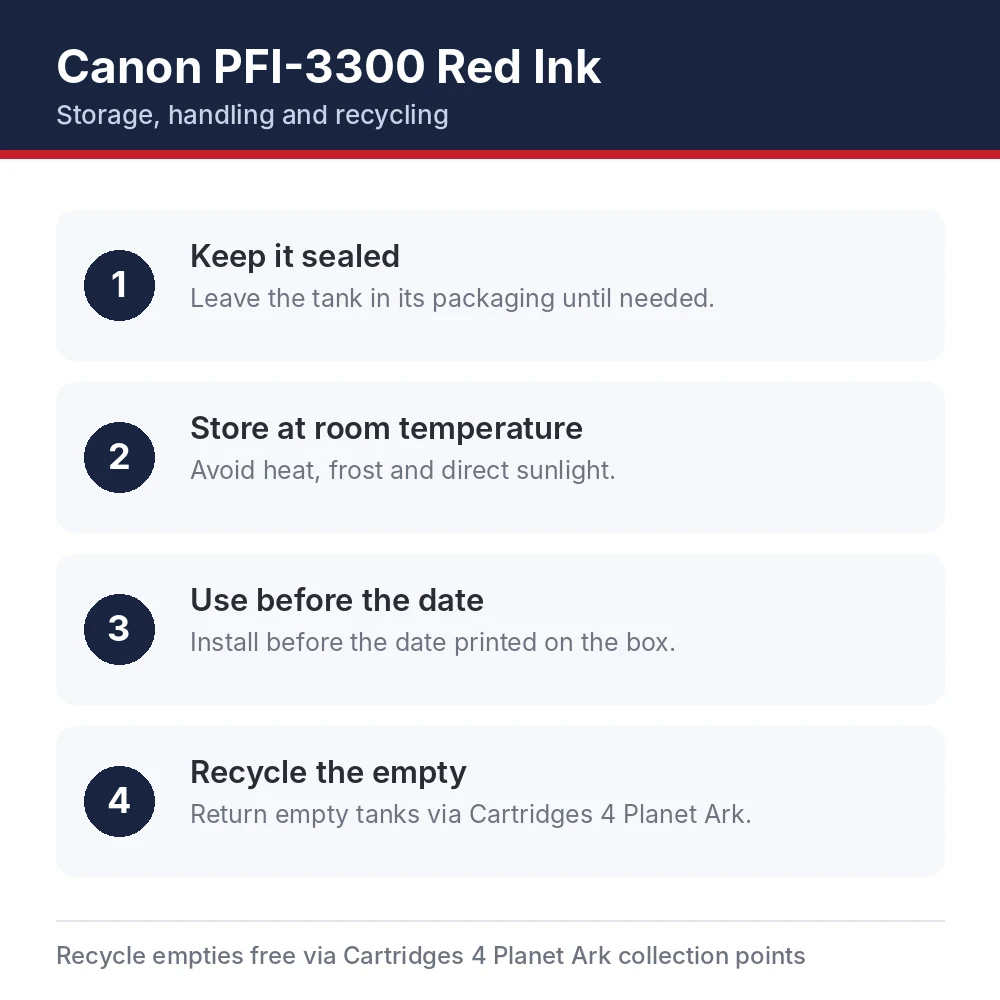
To keep a spare Canon PFI-3300 Red Ink in top condition until you need it:
- Keep it sealed. Leave the tank in its packaging until needed.
- Store at room temperature. Avoid heat, frost and direct sunlight.
- Use before the date. Install before the date printed on the box.
- Recycle the empty. Return empty tanks via Cartridges 4 Planet Ark.
Canon Australia supports free cartridge recycling through Cartridges 4 Planet Ark, so your empty PFI-3300 can be dropped at a participating store instead of going to landfill. For full product information, visit Canon Australia.
Genuine vs compatible cartridges
Compatible cartridges can cost less up front, but quality varies a lot between brands. The Canon PFI-3300 Red Ink is made by Canon for these printers, is covered by Canon’s manufacturer warranty against defects, in addition to your rights under Australian Consumer Law, and is designed to deliver its rated yield. Our article on OEM vs compatible printer cartridges compares the two in more detail.
Every cartridge we sell under the Genuine label is brand new and sealed in Canon retail packaging. If you’re ever unsure whether a cartridge is authentic, check the box for Canon’s security label and an intact factory seal, and buy from a supplier that lists the Canon part number.
Delivery, warranty and returns
When you order the Canon PFI-3300 Red Ink from us, it ships from stock in its sealed Canon box. We’re an Australian-owned supplier based in Moorebank, NSW. Orders are usually processed within 1–2 business days and shipped for a flat $19.99 anywhere in Australia, with standard delivery generally taking 3–7 business days after dispatch. See our shipping policy, returns policy and warranty policy for details, or browse more genuine Canon ink cartridges. Questions about compatibility? Contact our team before you order, and we’ll confirm the Canon PFI-3300 Red Ink is right for your machine.
Canon PFI-3300 Red Ink FAQs
Is this Canon PFI-3300 Red Ink genuine Canon?
Yes. It’s a brand-new, genuine Canon cartridge supplied in sealed Canon retail packaging, not a compatible or remanufactured product.
How many pages does the PFI-3300 print?
It holds 330 ml of ink. The number of pages depends on what you print and your print settings.
Which printers use the PFI-3300?
It suits the Canon imagePROGRAF PRO-2600, Canon imagePROGRAF PRO-4600, Canon imagePROGRAF PRO-6600. Check the full compatibility list above before ordering.
What is the Canon part number?
Look for the code PFI-3300 on the cartridge label or box.
How much does delivery cost?
Delivery is a flat $19.99 per order within Australia, no matter how many items you buy, and generally arrives 3–7 business days after dispatch.
Do you deliver to regional and remote areas?
Yes. We ship to every Australian state and territory at the same flat rate. Remote addresses can take a little longer. We don’t currently ship internationally.
Will I get tracking?
Yes. Tracking details are emailed to you once your order is dispatched, where the courier provides them.
Can I return it if I change my mind?
Yes, let us know within 30 days of delivery. The cartridge needs to be unopened and unused, and change-of-mind return shipping is paid by the customer. Approved refunds are processed within 7 business days.
What if my PFI-3300 is faulty?
Contact us with your order number and a short description of the problem, plus photos if you can. We cover return shipping for faulty products and will arrange a replacement or refund in line with Australian Consumer Law.
Can I replace the PFI-3300 while printing?
Many imagePROGRAF models allow hot-swapping ink tanks during a job. Check your printer’s manual for its exact procedure.
Should I shake the ink tank?
Gently shake pigment ink tanks a few times before installing so the ink is evenly mixed.
How long does an ink tank last once installed?
It depends on print volume and coverage. Canon recommends using ink within the period printed on the box.
Do I need every colour installed to print?
Yes. imagePROGRAF printers need all ink tanks installed to print, so replace an empty tank as soon as the printer asks for it. Keeping a spare of your most-used colours avoids downtime.
What does the ml capacity mean for my printing?
The capacity tells you how much ink is in the tank. How many prints you get depends on the media, print quality setting and how much of each page is covered, so large photographic prints use far more ink than line drawings.


Reviews
There are no reviews yet