


The Canon GPR-23 Yellow Drum, also listed as NPG-35, is the genuine yellow imaging drum unit for the Canon imageRUNNER C2550, C2550i, C2880, C3080i, C3380 and C3580i colour copiers. It is not a toner cartridge but the drum that transfers yellow toner to the page, and it is rated for about 60,000 pages.
When the copier reports the yellow drum is near its end of life, or prints show streaks and faded areas in yellow, fitting the Canon GPR-23 Yellow Drum restores clean output. Genuine Canon drums are built to the copier’s original specifications, helping protect image quality across long print runs.

Table of Contents
Why choose the genuine Canon GPR-23 Yellow Drum?
Here is what you get with a genuine Canon GPR-23 over a third-party drum unit:
- Restores sharp output. A fresh genuine drum clears up repeating marks, faint areas and grey backgrounds caused by a worn drum.
- Matched to Canon toner. The drum is designed to work with genuine Canon toner for consistent density and colour.
- Accurate life tracking. The printer reads a genuine drum correctly and counts its remaining life accurately.
- Protects your printer. Genuine drums are built to Canon’s tolerances, helping avoid toner spills and paper path contamination.
It suits offices and print rooms keeping a C2550 to C3580i series imageRUNNER running, especially where the yellow drum has reached the end of its rated life.
Canon GPR-23 Yellow Drum compatible printers
The Canon GPR-23 Yellow Drum is made for the following Canon models. Check the model name on the front or top of your printer and make sure it appears in this list before ordering:
- Canon imageRUNNER C3580i
- Canon imageRUNNER C3380
- Canon imageRUNNER C3080i
- Canon imageRUNNER C2880
- Canon imageRUNNER C2550i
- Canon imageRUNNER C2550
Not sure which model you have? Our Canon Cartridge Finder Australia matches the right toner to your printer, and this guide explains how to find the correct cartridge number on your old cartridge.
The GPR-23 range also includes black, cyan and magenta drum units for the same imageRUNNER models. Toner is sold separately from the drum. Not sure which part your printer takes? Send us your exact printer model through our contact page and we will confirm the right genuine Canon consumable before you place your order.

Canon GPR-23 Yellow Drum specifications
| Brand | Canon (genuine OEM) |
|---|---|
| Model | GPR-23 |
| Colour | Yellow |
| Page yield | 60,000 pages |
| Cartridge type | Imaging drum unit |
| Quantity | 1 drum unit |
| Condition | Brand new, sealed in Canon retail packaging |
What’s in the box
One genuine Canon GPR-23 Yellow Drum in sealed Canon packaging, with Canon’s installation instructions.
Before you order: a quick checklist
- Confirm your printer model appears in the compatibility list above.
- Check the code on your current drum unit reads GPR-23.
- Make sure it’s the drum unit you need (not the toner cartridge), and check whether your printer uses a separate drum for each colour.
- Think about ordering a spare so you’re never caught out mid-job.

Page yield and cost per page
The Canon GPR-23 Yellow Drum is rated at approximately 60,000 pages at around 5% page coverage. At our price of $881.92, that works out to about 1.5c per page. Real-world yield depends on what you print: dense graphics, photos and short print jobs use more toner than plain text documents.
Get the most from your Canon GPR-23 Yellow Drum
- Print double-sided where your printer supports it to halve paper use.
- Use draft or toner-save mode for internal documents to reduce drum rotations per page.
- Avoid printing many single pages one at a time; batching jobs reduces wear.
- Don’t replace the drum early; wait for the printer’s replace-drum message.
- Store spare drums sealed in their light-proof bag until needed.
How to install the Canon GPR-23 Yellow Drum
- Turn the printer off, open the front cover and remove the toner cartridges or tray if your model requires it.
- Release the old drum unit by its handle or locking levers and lift it out carefully.
- Unpack the new drum, keeping it away from bright light, and remove all protective sheets and tape.
- Slide the drum into place following the guides until it locks, then refit the toner and close the cover.
- Switch the printer on and let it run its start-up calibration before printing a test page.
Steps vary slightly between models, so check your printer’s manual or the instruction sheet inside the box if anything looks different when fitting the Canon GPR-23 Yellow Drum.
Troubleshooting tips
If the Canon GPR-23 Yellow Drum isn’t printing as expected after installation, these quick checks solve most problems:
- Repeating marks or spots: Check that all protective material was removed from the new drum, then run the printer’s cleaning page.
- Drum error message: Re-seat the drum until it clicks and close all covers firmly. Some printers need a drum counter reset; check your manual.
- Faint or patchy prints: Confirm the toner cartridges are seated correctly and have enough toner, then run colour calibration if available.
Looking after your printer between cartridge changes
- Replace toner and drum only when the printer asks; the drum normally lasts several toner changes.
- Keep the printer’s covers closed so light doesn’t reach the drum surface.
- Use paper rated for laser printers to reduce wear on the drum.
- Run the printer’s cleaning or calibration routine after fitting a new drum.
- Keep the printer away from heaters, humidity and direct sunlight.
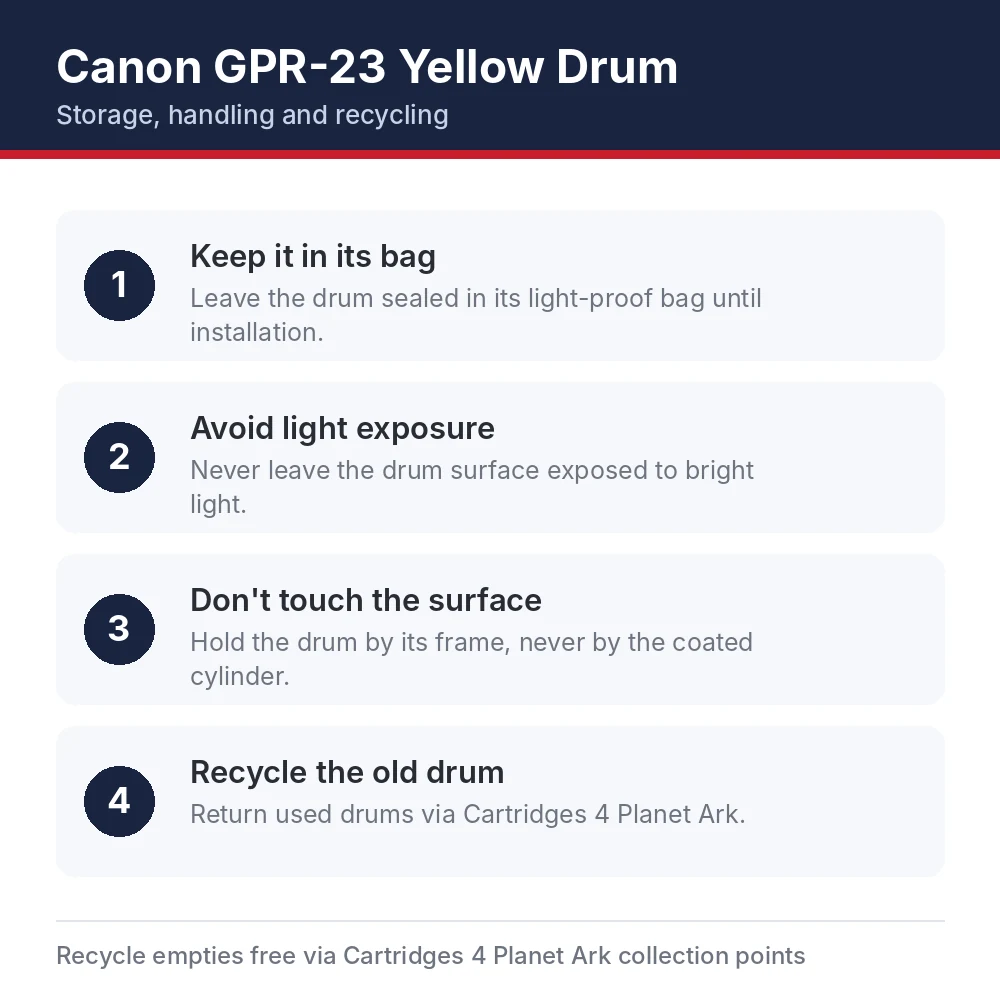
Storage, handling and recycling
To keep a spare Canon GPR-23 Yellow Drum in top condition until you need it:
- Keep it in its bag. Leave the drum sealed in its light-proof bag until installation.
- Avoid light exposure. Never leave the drum surface exposed to bright light.
- Don’t touch the surface. Hold the drum by its frame, never by the coated cylinder.
- Recycle the old drum. Return used drums via Cartridges 4 Planet Ark.
Canon Australia supports free cartridge recycling through Cartridges 4 Planet Ark, so your empty GPR-23 can be dropped at a participating store instead of going to landfill. For full product information, visit Canon Australia.
Genuine vs compatible cartridges
Compatible cartridges can cost less up front, but quality varies a lot between brands. The Canon GPR-23 Yellow Drum is made by Canon for these printers, is covered by Canon’s manufacturer warranty against defects, in addition to your rights under Australian Consumer Law, and is designed to deliver its rated yield. Our article on OEM vs compatible printer cartridges compares the two in more detail.
Every cartridge we sell under the Genuine label is brand new and sealed in Canon retail packaging. If you’re ever unsure whether a cartridge is authentic, check the box for Canon’s security label and an intact factory seal, and buy from a supplier that lists the Canon part number.
Delivery, warranty and returns
When you order the Canon GPR-23 Yellow Drum from us, it ships from stock in its sealed Canon box. We’re an Australian-owned supplier based in Moorebank, NSW. Orders are usually processed within 1–2 business days and shipped for a flat $19.99 anywhere in Australia, with standard delivery generally taking 3–7 business days after dispatch. See our shipping policy, returns policy and warranty policy for details, or browse more genuine Canon toner cartridges. Questions about compatibility? Contact our team before you order, and we’ll confirm the Canon GPR-23 Yellow Drum is right for your machine.
Canon GPR-23 Yellow Drum FAQs
Is this Canon GPR-23 Yellow Drum genuine Canon?
Yes. It’s a brand-new, genuine Canon cartridge supplied in sealed Canon retail packaging, not a compatible or remanufactured product.
How many pages does the GPR-23 print?
It’s rated at approximately 60,000 pages at around 5% coverage. Actual results depend on page coverage and print settings.
Which printers use the GPR-23?
It suits the Canon imageRUNNER C3580i, Canon imageRUNNER C3380, Canon imageRUNNER C3080i and 3 more models. Check the full compatibility list above before ordering.
What is the Canon part number?
Look for the code GPR-23 on the cartridge label or box.
How much does delivery cost?
Delivery is a flat $19.99 per order within Australia, no matter how many items you buy, and generally arrives 3–7 business days after dispatch.
Do you deliver to regional and remote areas?
Yes. We ship to every Australian state and territory at the same flat rate. Remote addresses can take a little longer. We don’t currently ship internationally.
Will I get tracking?
Yes. Tracking details are emailed to you once your order is dispatched, where the courier provides them.
Can I return it if I change my mind?
Yes, let us know within 30 days of delivery. The cartridge needs to be unopened and unused, and change-of-mind return shipping is paid by the customer. Approved refunds are processed within 7 business days.
What if my GPR-23 is faulty?
Contact us with your order number and a short description of the problem, plus photos if you can. We cover return shipping for faulty products and will arrange a replacement or refund in line with Australian Consumer Law.
Is the GPR-23 a toner cartridge?
No. It’s the imaging drum unit. Toner is supplied separately, and the drum normally lasts through several toner cartridges.
How do I know when to replace the drum?
Your printer displays a message when the drum is near the end of its life. Print quality issues such as repeating marks or faint areas can also indicate a worn drum.
Can light damage a new drum?
Yes. Drum surfaces are light-sensitive, so keep the drum in its protective bag until you install it and fit it promptly.


Reviews
There are no reviews yet